
For Horizon home inspectors
Horizon closes December 15. Your reports don't have to.
45 days left before Horizon closes on December 15, 2026.
Carson Dunlop is shutting Horizon down. We move your templates, comments and past reports into ManageBee for you before the doors close. Keep the color tabs your clients already know, or pick a new look. Either way, your business keeps going. It is free for everyone until November 1, 2026.
- Free until November 1, 2026
- We move your templates and comments
- Founders rate: 33% off for life
Look
Keep the look your clients know
In the PDF, color tabs run across the top of every page, one per section, like binder tabs. In the online document, each section heading picks up its own tab color. Pick classic or calm. Nothing about the move has to feel different to the people who hire you.
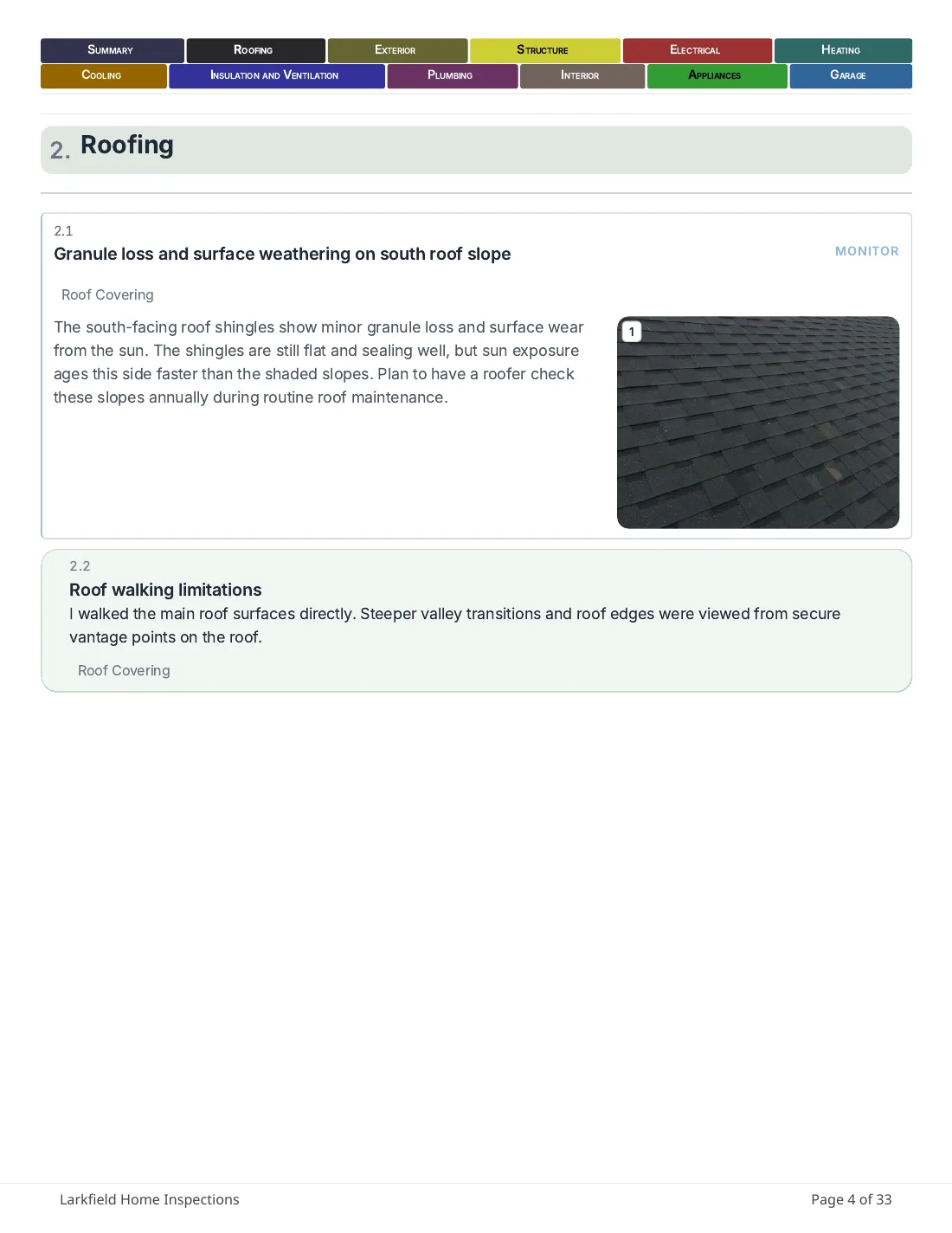
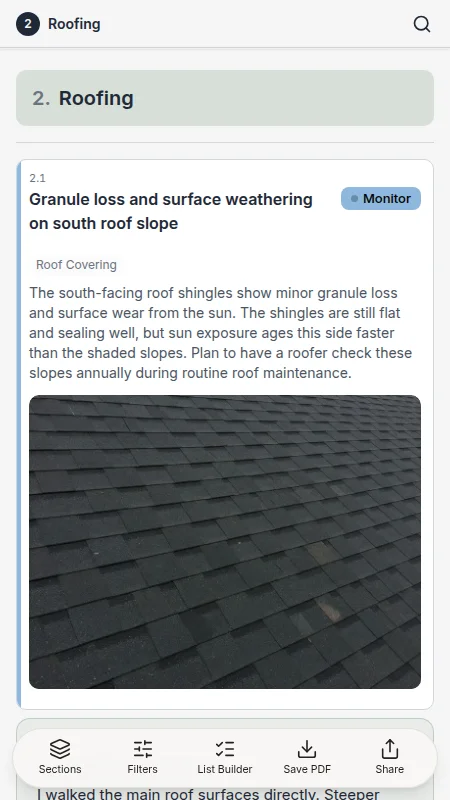
Classic color tabs
The Horizon-style tabs in stronger, bolder colors, rebuilt in ManageBee: one tab per section across the top of every printed page, each in its own color.
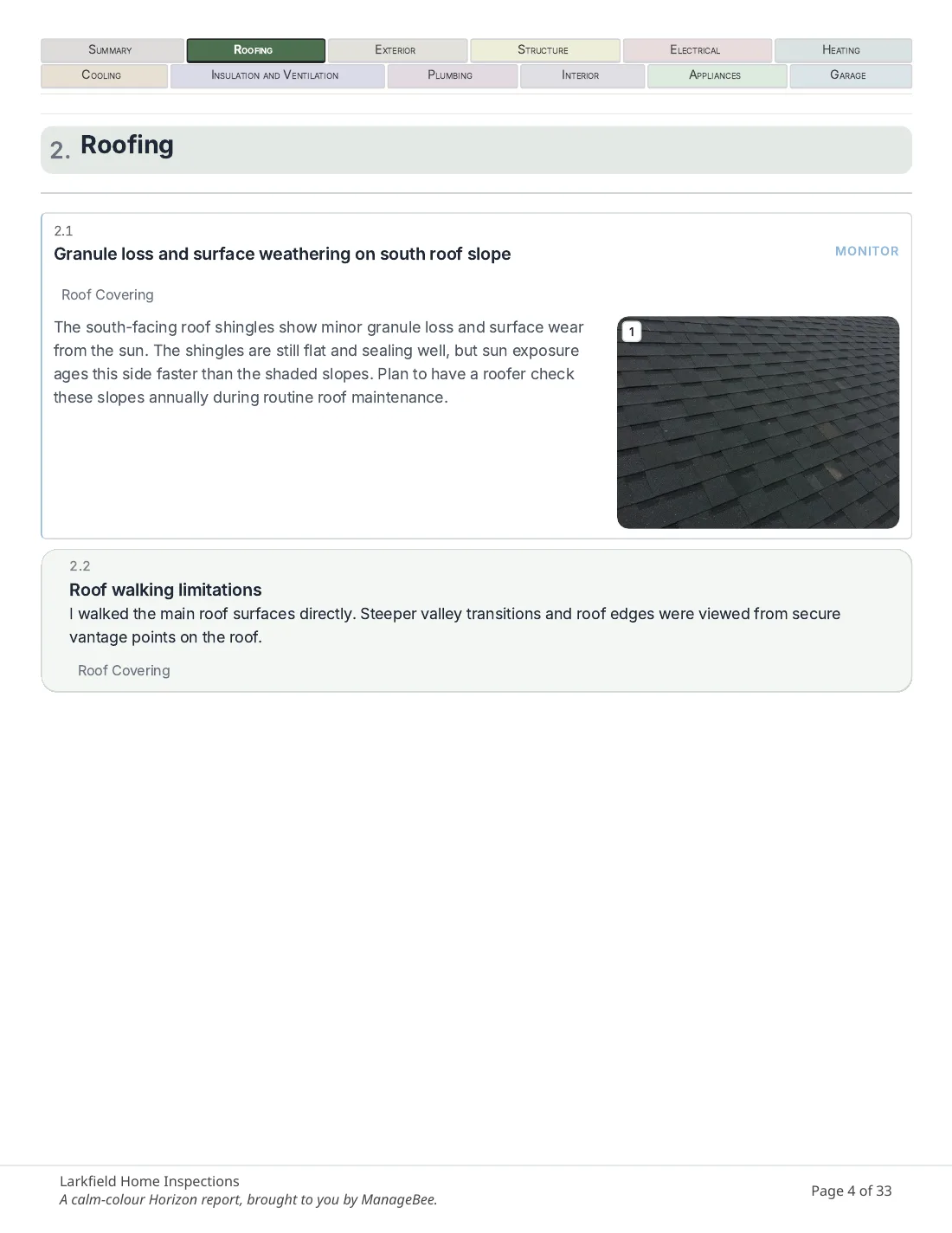
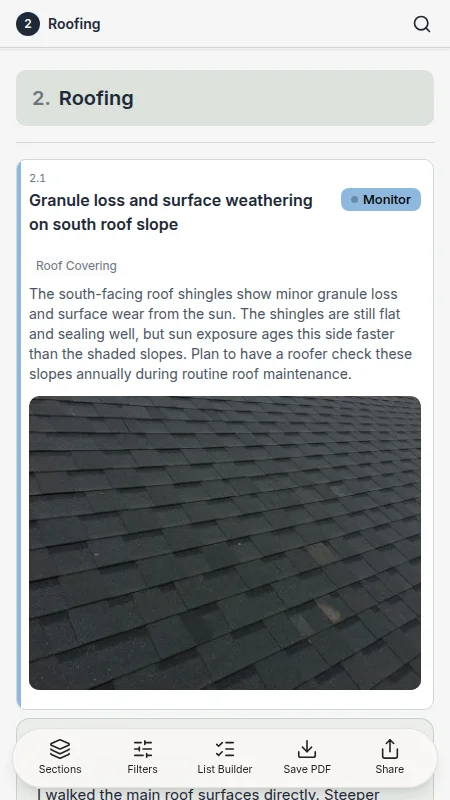
Calm color tabs
The same tabs, in softer colors. Same row across the top, same section-by-section structure your clients trust, quieter on the page.
More looks
Or pick a new one
Color tabs are not the only option. Every look below is a real document, built the same way yours will be.
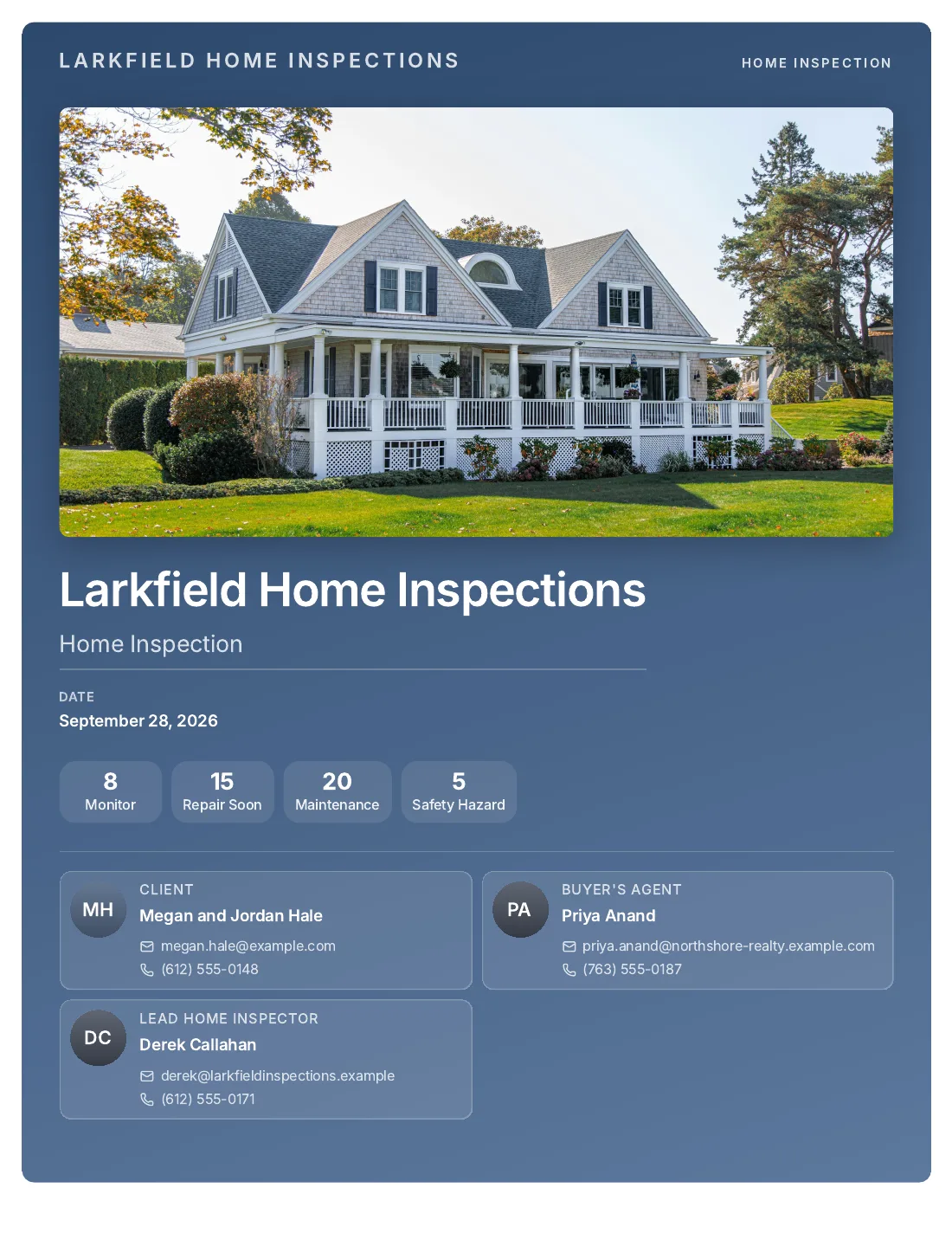
Brand cover
Your logo and your colors on a clean cover page, the first thing your client sees.
See this look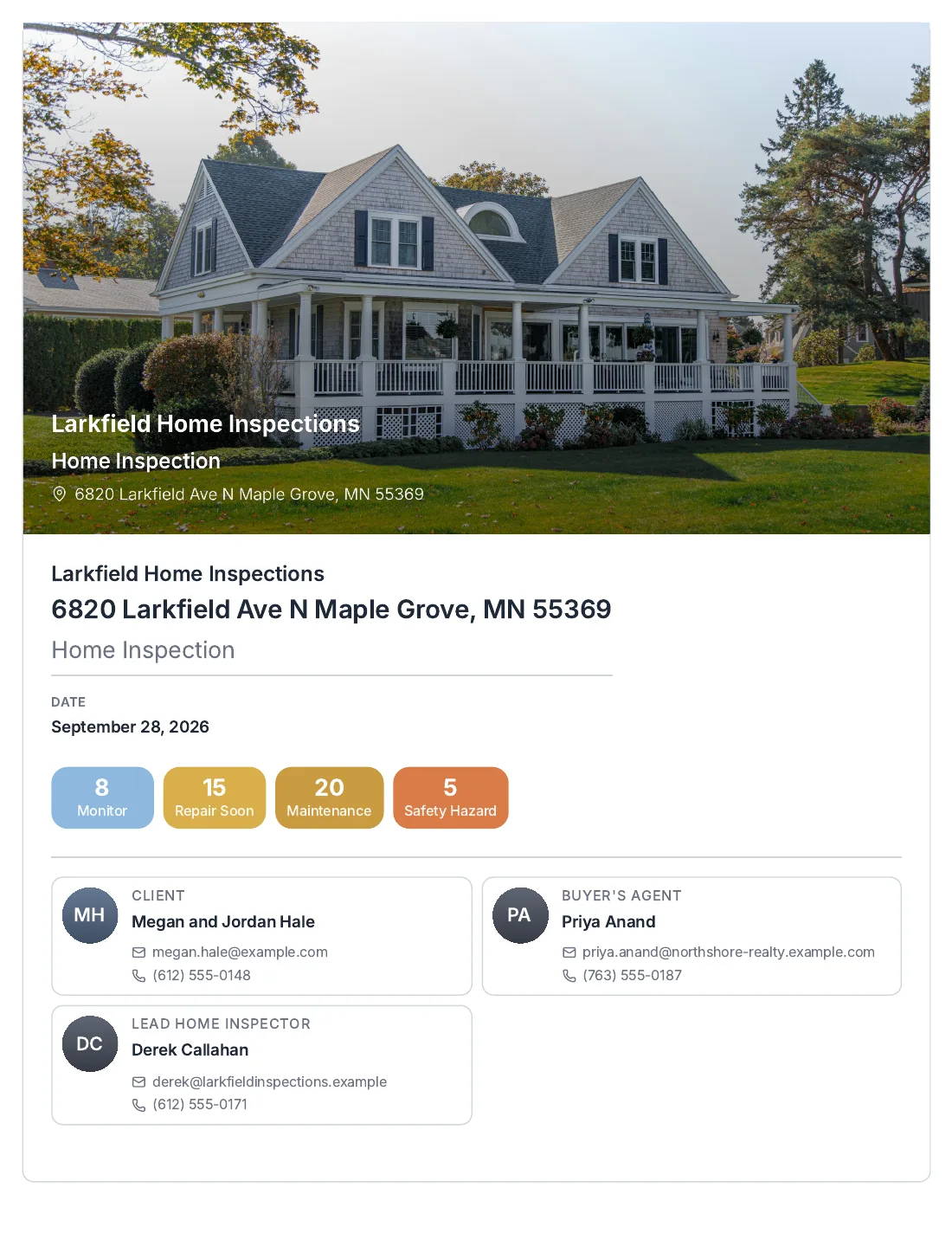
The move
How the move works
Five steps, all inside Horizon's own Profile page, under Export My Account Data. We handle the rest.
- 1
Request your six exports
On your Horizon Profile page, request all six: CRM Agents, CRM Clients, Inspection Bookings, Company Templates, Dashboard Data, and Tax Reporting.
- 2
Request your report archive
Just below the six, click Download Archives under Published Reports Archive by Year. This is every past inspection you have run, so do not skip it.
- 3
Send us the files as they arrive
Horizon emails a link for each one, some right away, some built in the background. Send each file to us as it came, not unzipped or renamed.
- 4
We move your templates, comments and past reports in
We turn your Company Templates export and your report archive into templates and past reports you can open, search and hand to a client again. You check the result before you use it.
- 5
Re-export once more in the last week
Anything you write in Horizon after your first export is missed unless you export again. Send one more round in the first week of December. Running the move again only adds what is new.
Every download link Horizon emails you expires 14 days after it is sent. Download it and send it to us before then, or you will need to request it again.
Plan your final export for the first week of December. Horizon closes December 15, 2026, and after that the data is gone for good.
Pricing
Every price, in the open.
Nothing here is hidden and nothing is a teaser. These are the regular prices. The Founders rate takes 33% off them for as long as you keep your subscription, if you subscribe and pay by December 31, 2026.
- Now until November 1, 2026Free
The whole platform, every plan, no card. Sign up and use it on real jobs while we move your data in.
- November 1, 2026 to December 31, 2026$20 a month
One beta price for any plan while we finish the rough edges with you.
- From January 1, 2027Your plan, 33% off for life
If you subscribed and paid by December 31, 2026. Otherwise the regular price below.
| Plan | Regular price | Founders rate |
|---|---|---|
Starter 2 seats included | $79 a month | $52.93 a month |
Professional 3 seats included | $99 a month | $66.33 a month |
Business 5 seats included | $149 a month | $99.83 a month |
Extra seat | $29 a month | $19.43 a month |
- "For life" means for as long as your subscription stays active. Cancel, or let a failed payment sit for more than 14 days, and the Founders rate ends. It applies to your plan, extra seats and add-ons. Marketplace fees and SMS top-ups are not discounted.
- Prices are per organization per month, billed monthly. Pay for a year and you get twelve months for the price of ten.
- Nothing is charged before November 1, 2026. You will not be billed without choosing a plan first.
FAQ
Straight answers
What do you import from Horizon?
Your Company Templates export, your comment library, and your report archive: every report you published, as far back as Horizon kept it. We turn your exports into templates and past reports you can open, search and hand to a client again.
What does Horizon not export?
Two things stay behind: the stock illustrations and the title page images. Neither one comes out of any Horizon export. We are asking Carson Dunlop for a licence on the illustrations; if you bought them separately, tell us where. Your own logo is in your export and comes with you.
Is my old report archive kept?
Yes. Horizon builds you one archive per year, for the last 15 years, under Published Reports Archive by Year. Send us those files and we bring every past report in, not just your templates.
Do I have to use color tabs?
No. Color tabs, classic or calm, are there so your reports can look the way your clients already expect. You can just as easily pick Brand cover, Photo hero, Minimal, or any other look in ManageBee.
Does the phone app work with no signal?
Yes. It stores the inspection on the phone, photos included, and syncs when you have a connection again. A basement or a rural property with no bars does not stop the job.
What does it cost?
Free for everyone until November 1, 2026. From then until December 31, 2026, any plan is $20 a month. Subscribe and pay by December 31, 2026 and you keep 33% off for as long as your subscription stays active.
What if I miss the December 15 deadline?
After Horizon closes on December 15, 2026, exports stop and Horizon deletes the data. We cannot recover what was never exported, so send your files before then, and once more in the last week if anything changed.
Who is behind this?
ManageBee is a small company run by its founder, Chris Bailey. There is no sales team. When you write in, you are writing to him: chris@managebee.com.
Tell us about your move
Sign up any time with the button above. If you want Chris Bailey to reach out first, or you are ready to send your Horizon export, leave your details here.
Horizon closes December 15. Your reports don't have to.
No card. Free until November 1, 2026.